Free macOS font manager
Every font you own, beautifully in hand.
Preview, filter, tag, and activate your fonts system-wide with one click, without ever cluttering your Mac. TypeSuite is a fast, native, free font app for macOS.
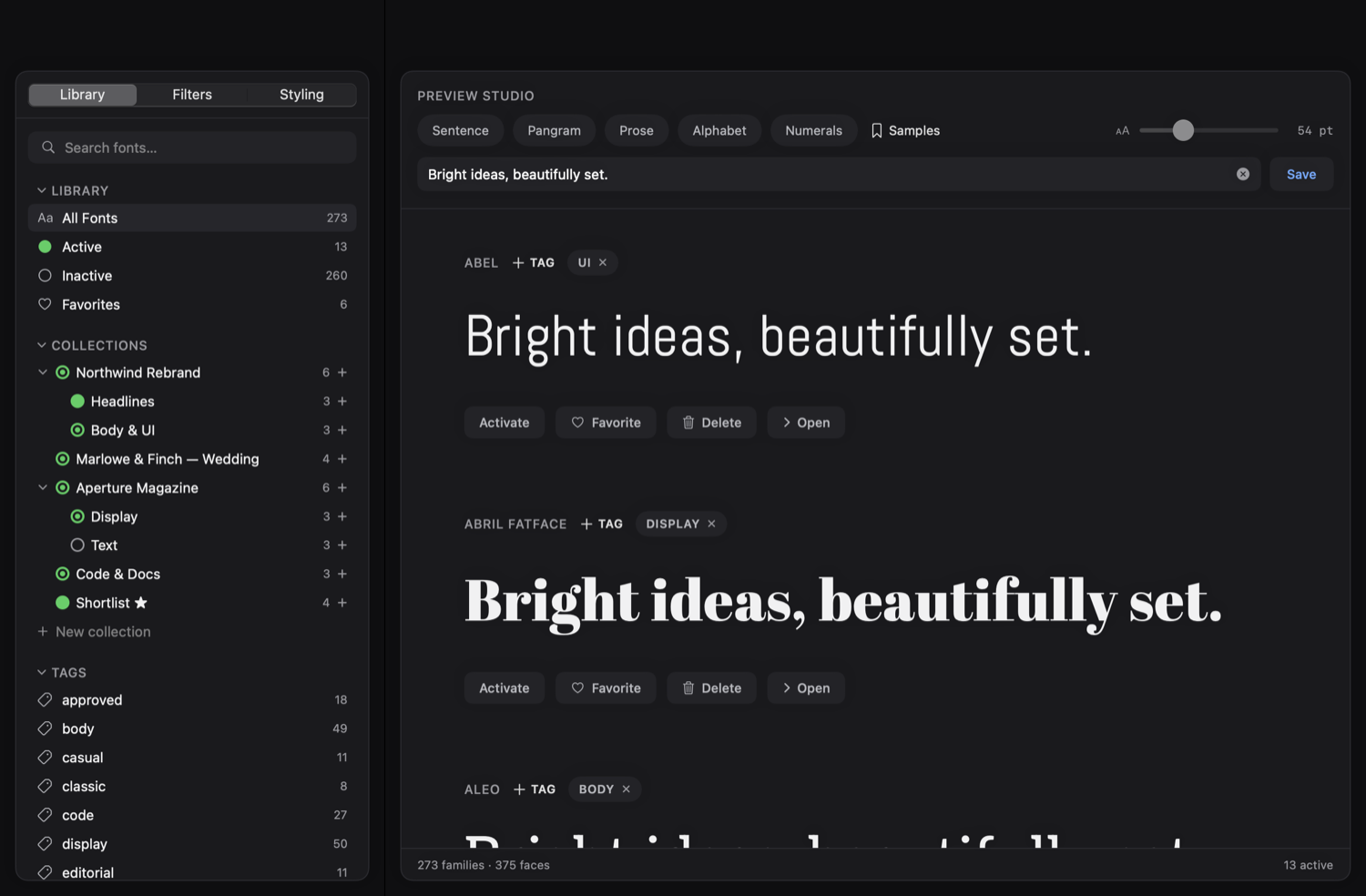
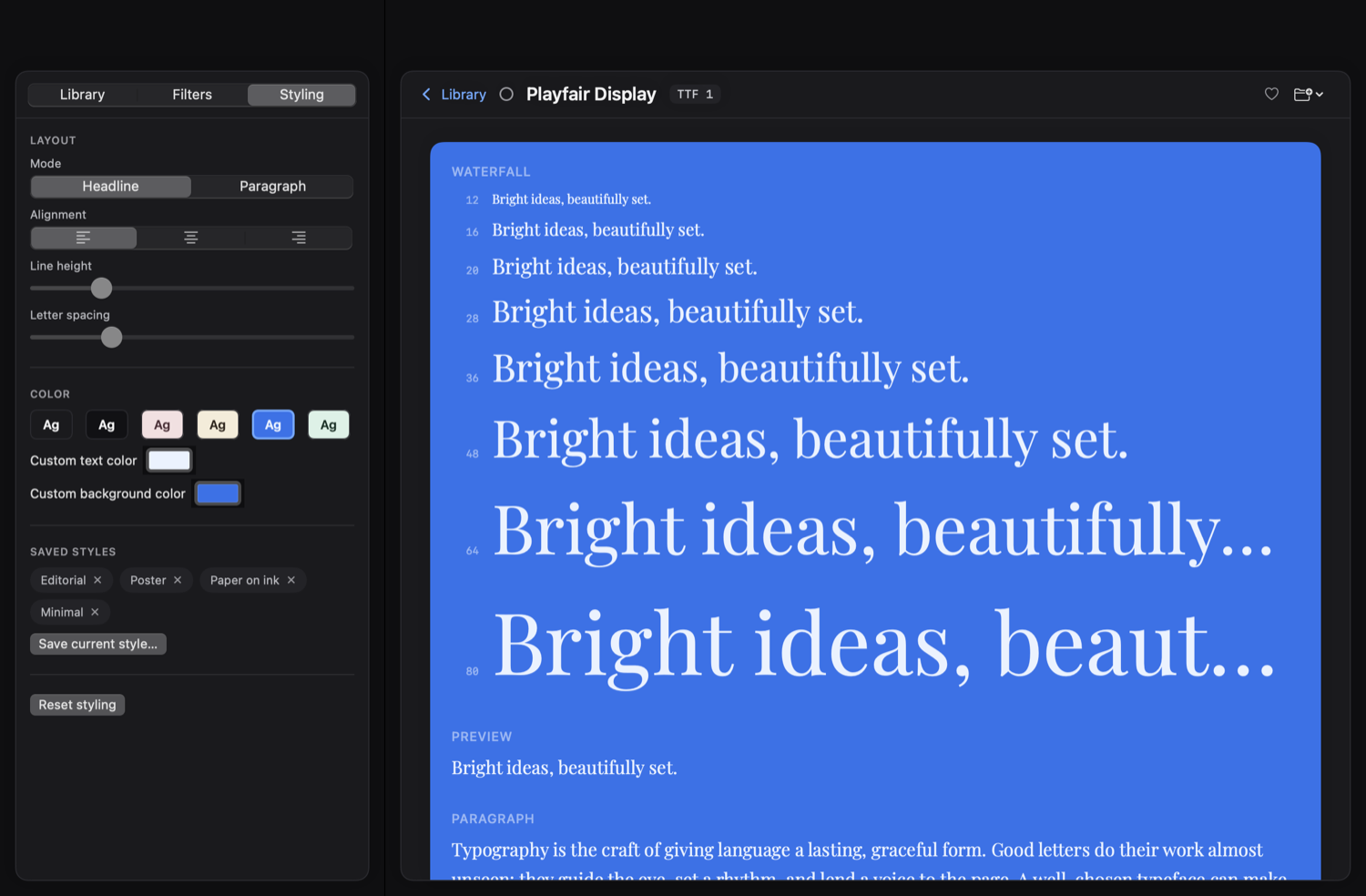
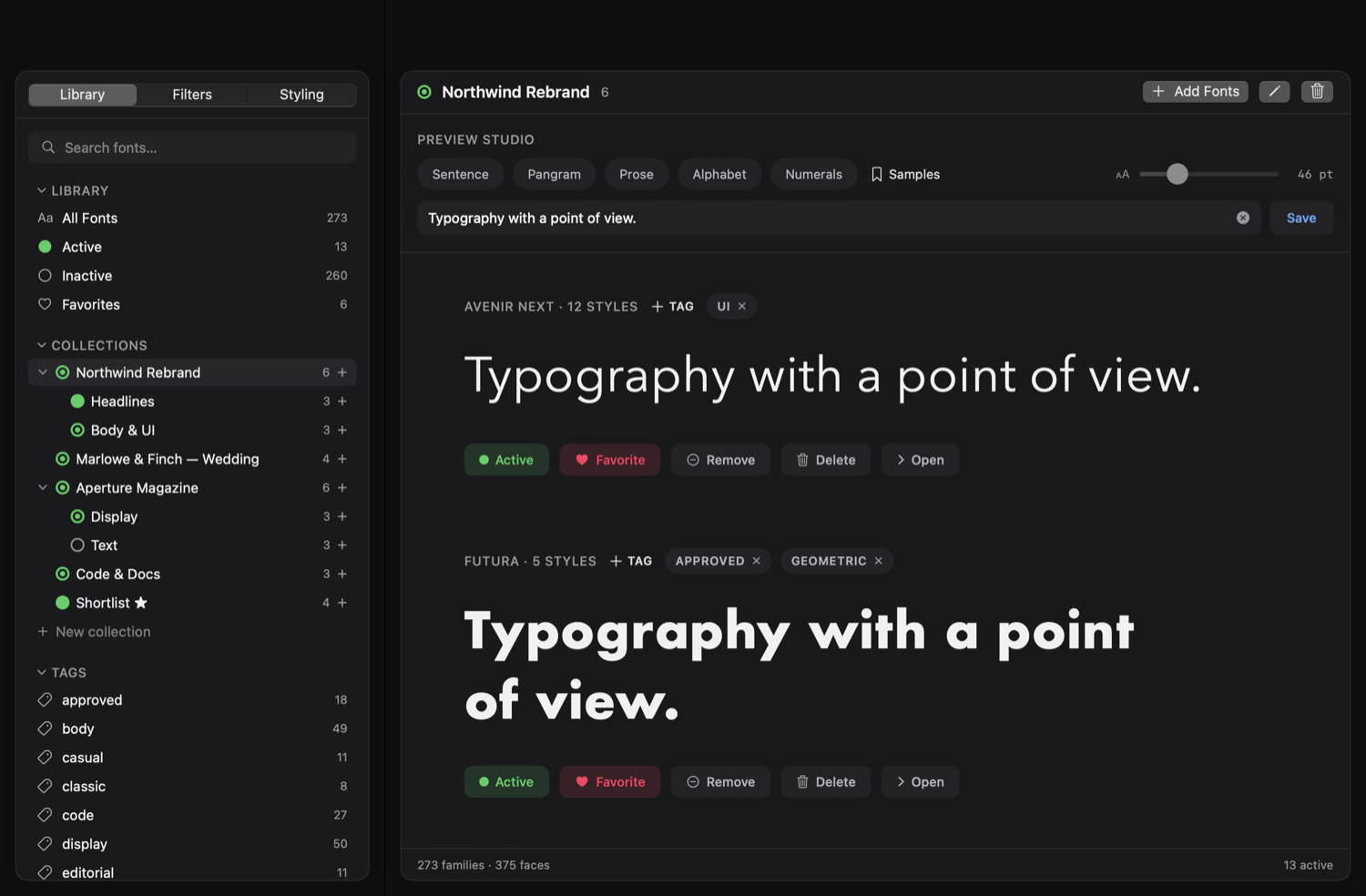
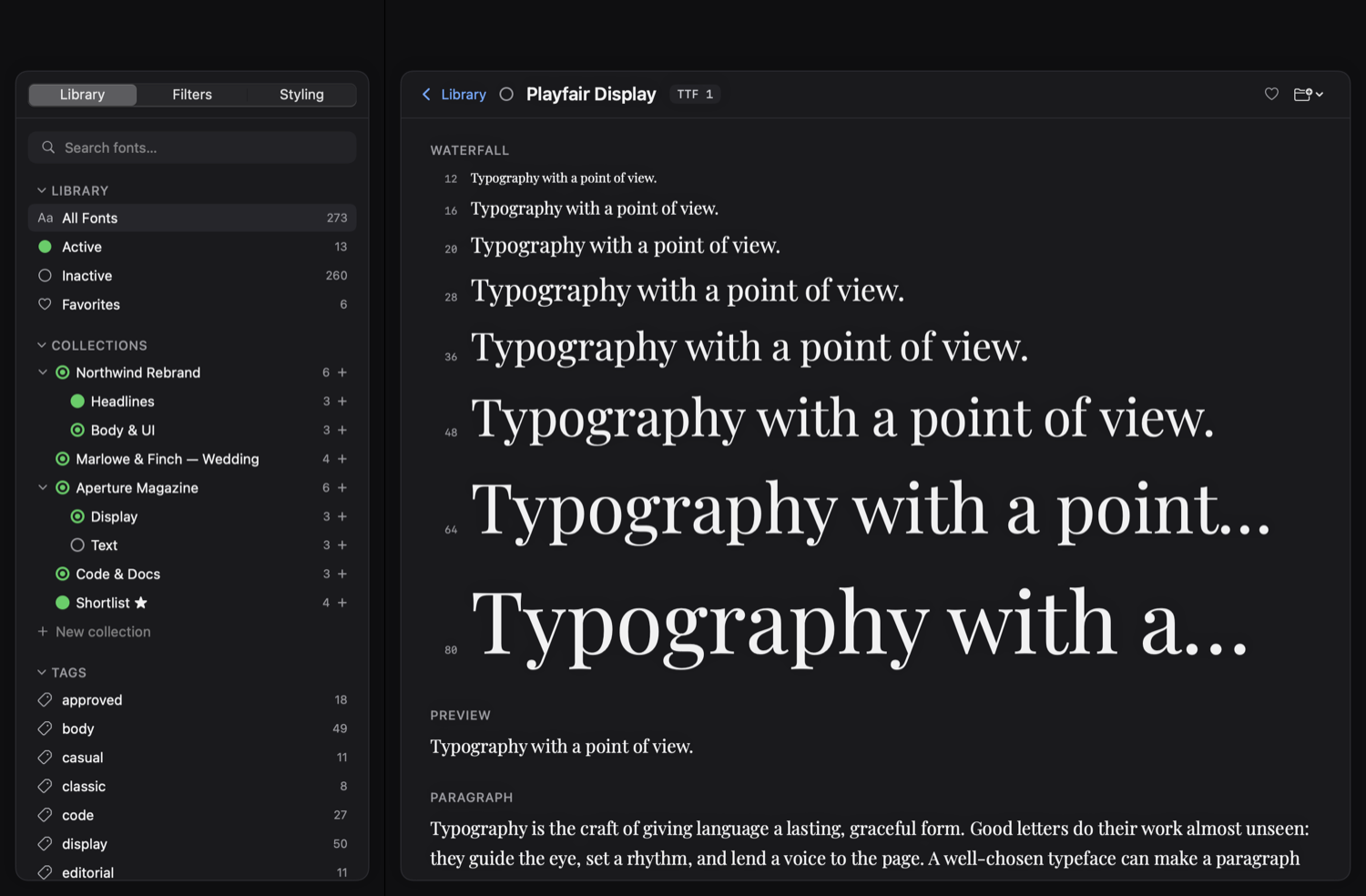
Light or Dark
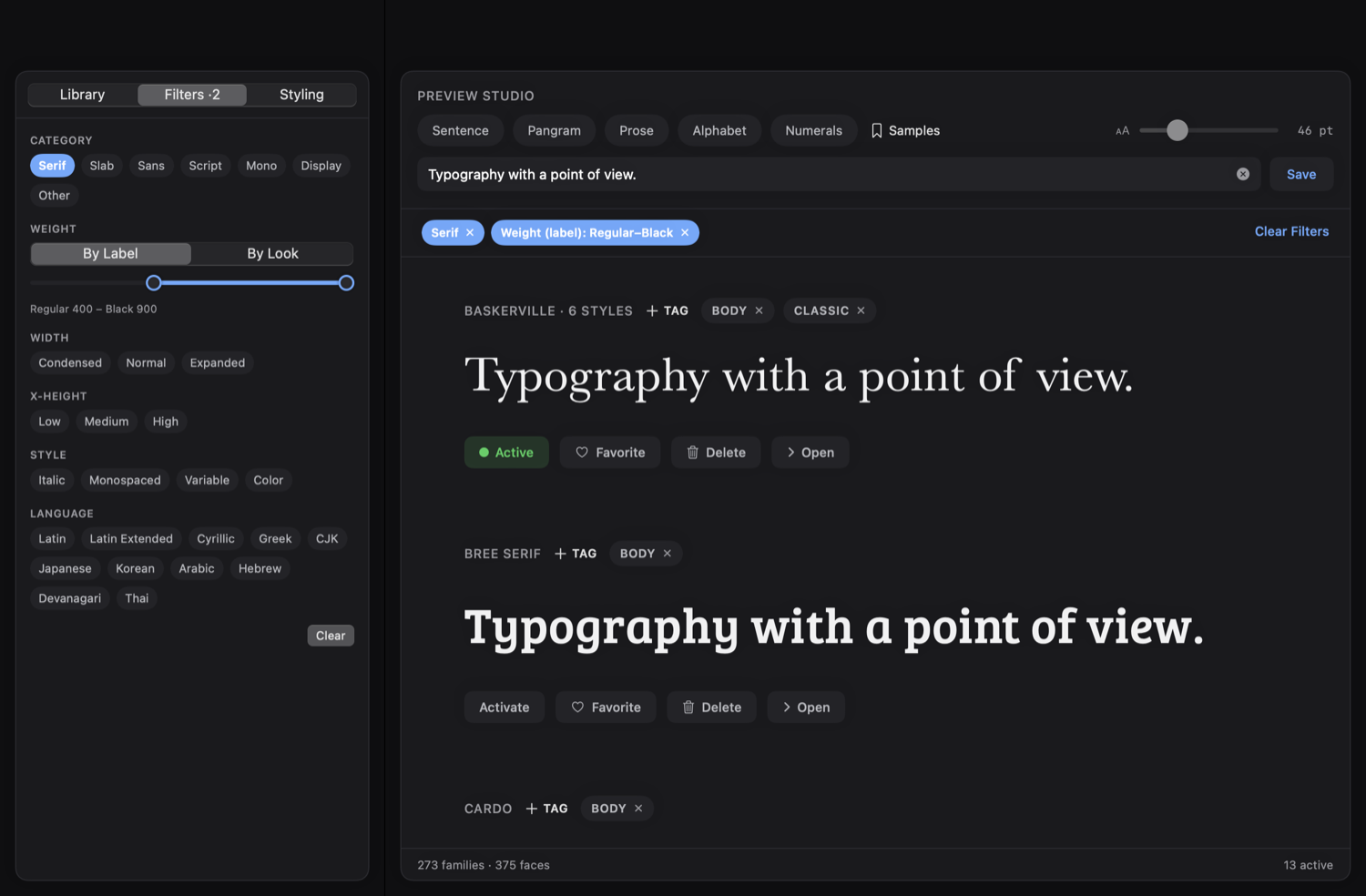
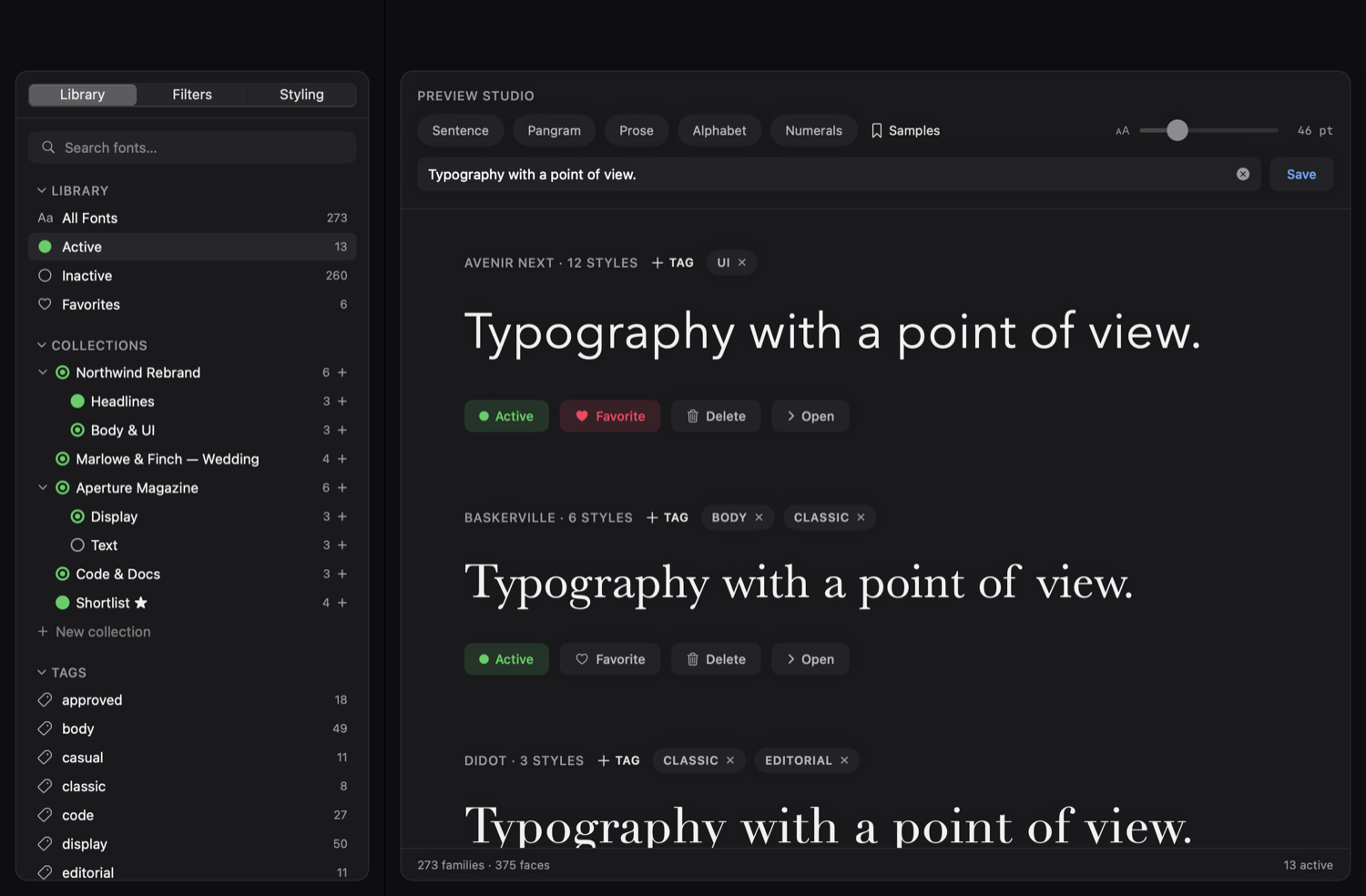
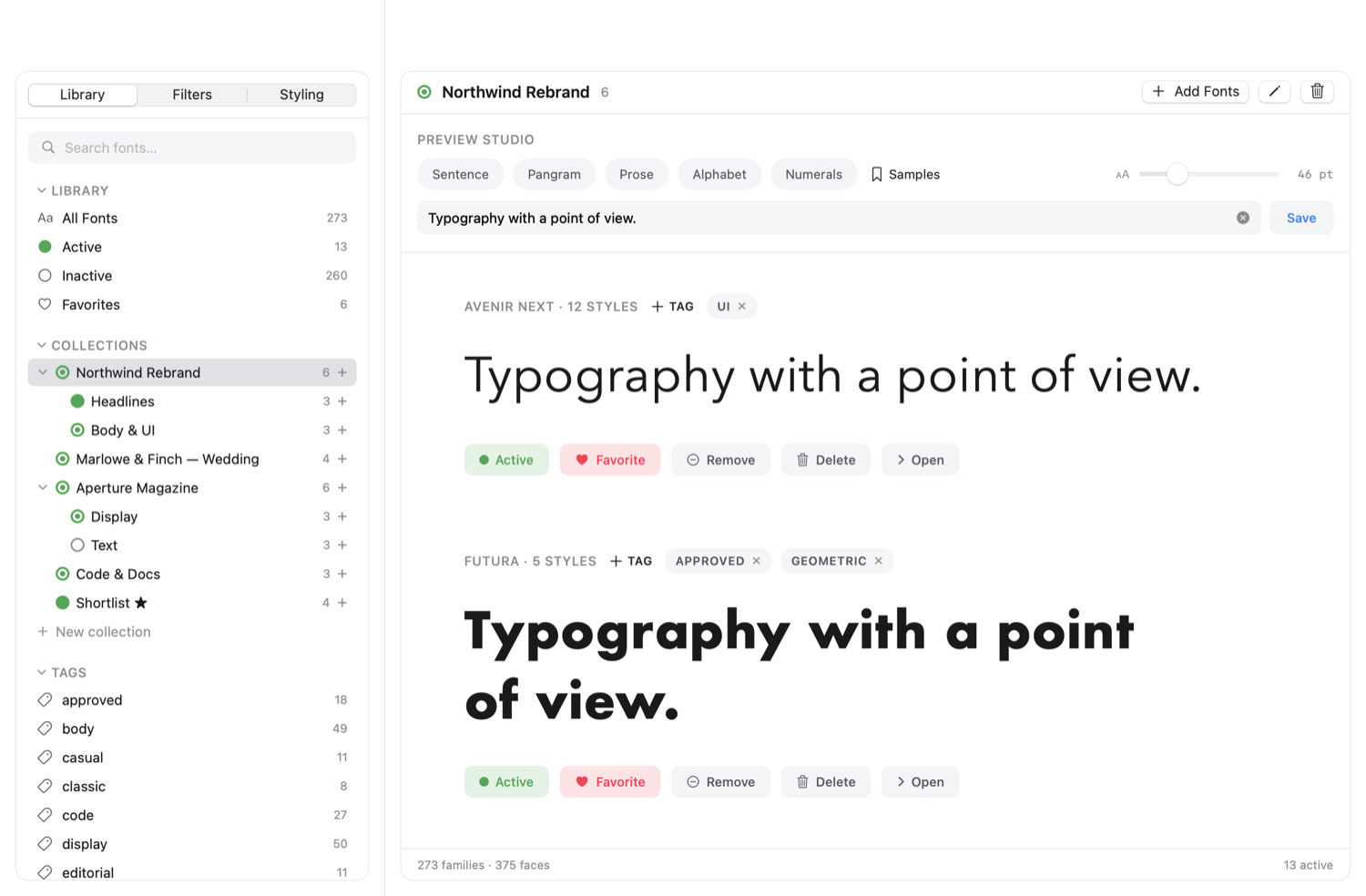
TypeSuite has two built-in themes: Light and Dark. Pick one and the whole page follows, just like the app.
Everything in one window
A complete font workflow, without the bloat
A font organizer that stays out of your way: preview, filter, tag, and activate your fonts, all in one fast, native window.
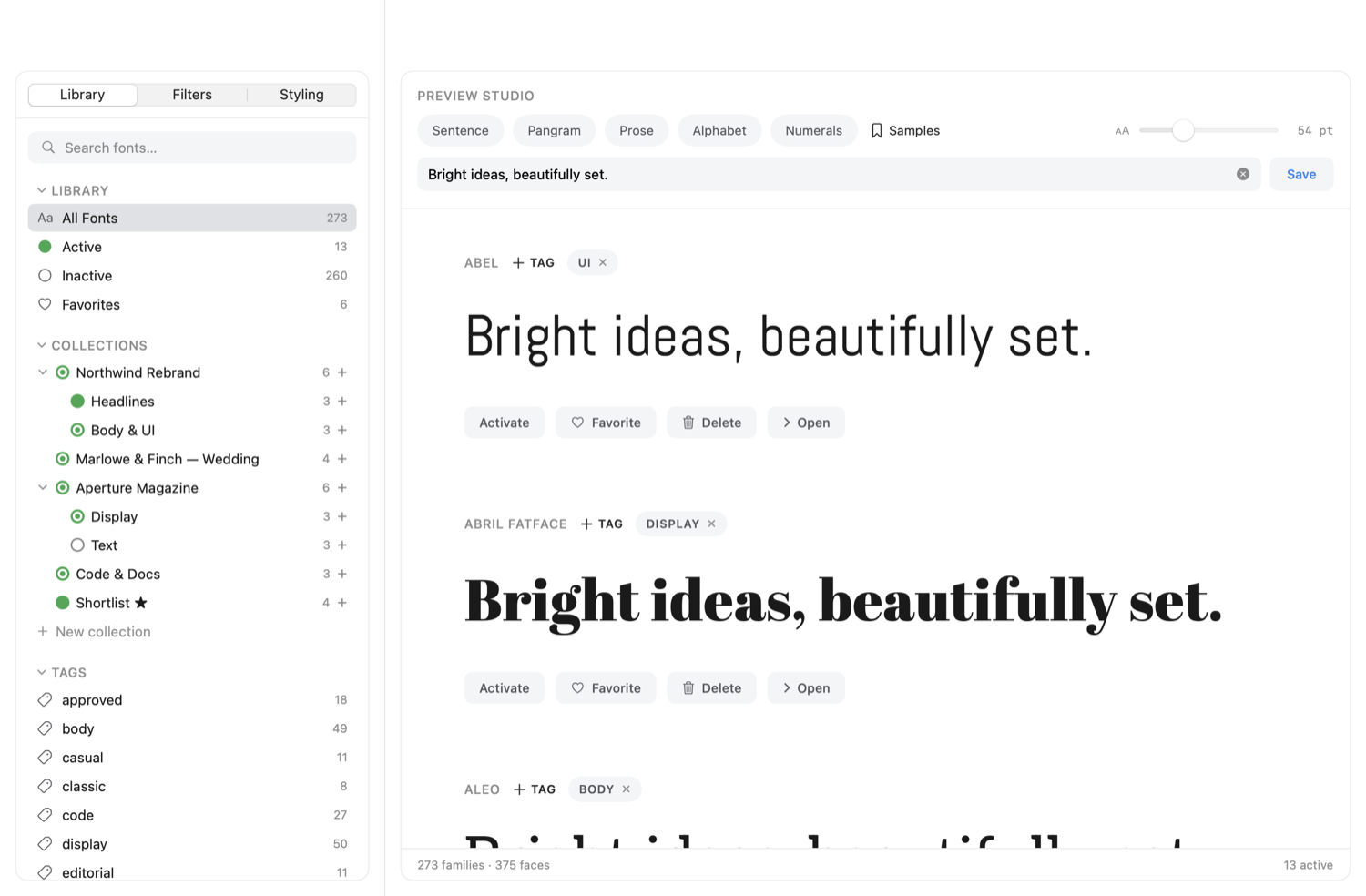
Preview Studio
See every font in your own words
Set the sample once and the whole library re-renders in it, at any size. Your preview settings are remembered across the whole app.
- Sample presets. Sentence, Pangram, Paragraph, Alphabet, Numerals, plus your own saved texts.
- Your own words. Type any preview text and every family renders with it at once.
- Live size. Scale the whole library up or down with one slider.
Styling
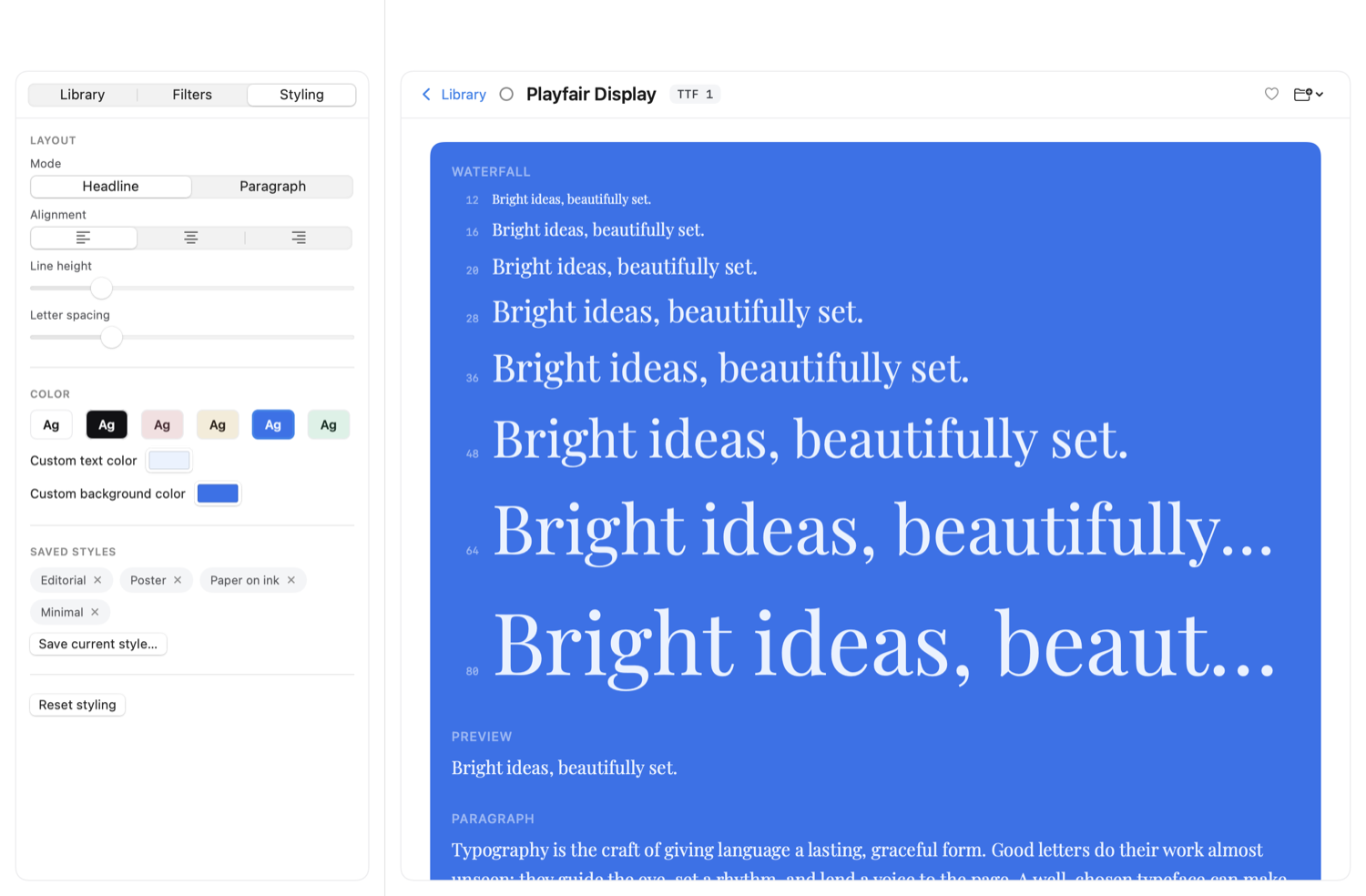
Dial in the look, and it sticks
Shape how every preview and specimen reads, from a bold display line to a calm paragraph. Your styling carries across the library and onto the specimen page.
- Headline or paragraph. See a font as a display line or as running body text.
- Alignment, line height, and letter-spacing. Fine-tune the rhythm of every sample.
- Color themes and custom colors. Pick a text and background theme, or set your own swatches.
- Reset anytime. Return to the defaults in one click.
Smart Filters
Find fonts by what they actually are
Stop scrolling. Narrow a huge library down to the exact typefaces you need, by their real typographic traits.
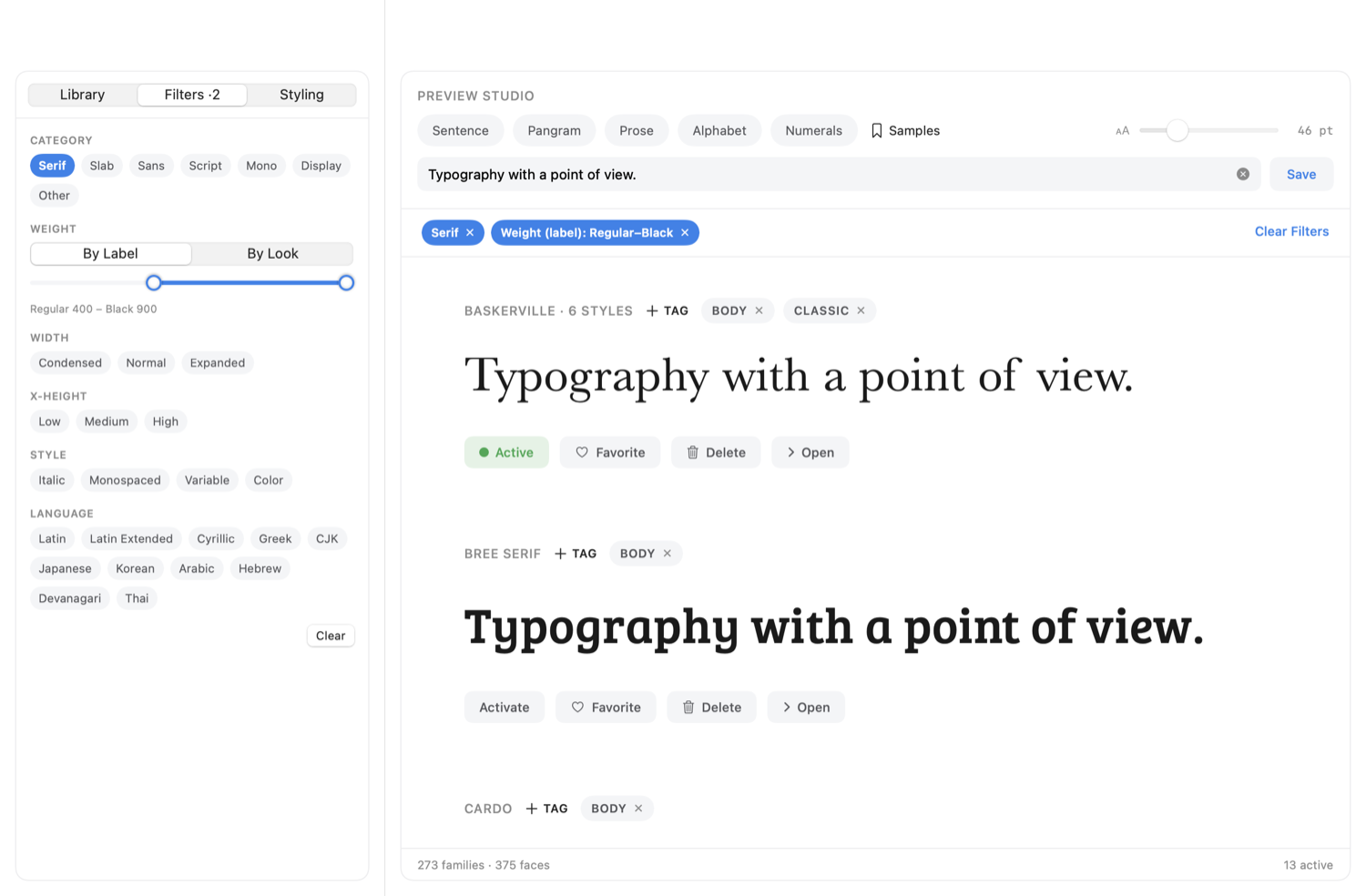
- Category and style. Serif, Slab, Sans, Script, Mono, Display, plus Italic, Monospaced, Variable, and Color flags.
- Weight, by look or label. A dual-thumb range measured from the letterforms or read from the font. Variable fonts match across their whole axis.
- Width and x-height. Dial in the proportions you want.
- Language. Filter by script (Latin, Cyrillic, CJK, Arabic, and more) with an All / Any toggle. Active filters show as removable chips.
One clear model
Turn any font on, everywhere, instantly
One switch makes a font available to every app on your Mac, and turns it cleanly off again. It stays that way across reboots.
- One font, or a whole set. Activate a single font from its row, a whole collection with one click on its dot, or auto-activate a whole folder from its right-click menu, so new fonts added later turn on too.
- System-wide. Activated fonts appear in every app at once, and persist across reboots.
- Big sets stay smooth. Activating a large collection runs behind a progress bar, so the window never freezes.
- Truly reversible. Deactivate really turns it off. TypeSuite never touches your system font folder.
Organize
Tag it, group it, nest it, your way
Bring order to thousands of fonts with tags and collections that fit how you actually work.
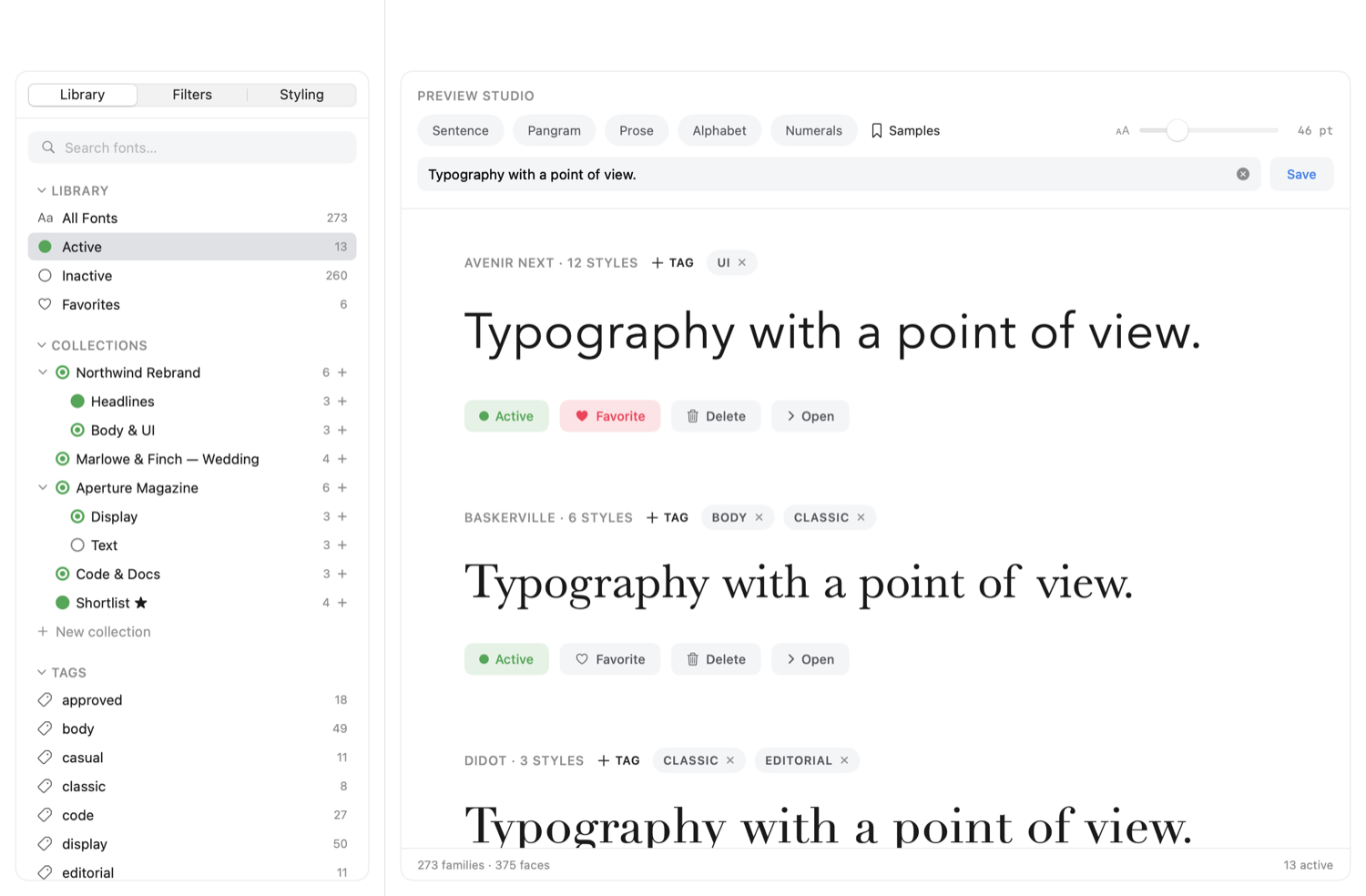
- Tags. Label fonts your own way, add them from a row or by dragging, and rename or delete a tag everywhere at once.
- Nested collections. Build sub-collections, drag to nest, and activate a whole group with a none / partial / all indicator.
- Favorites. Star the fonts you reach for most.
Deep detail
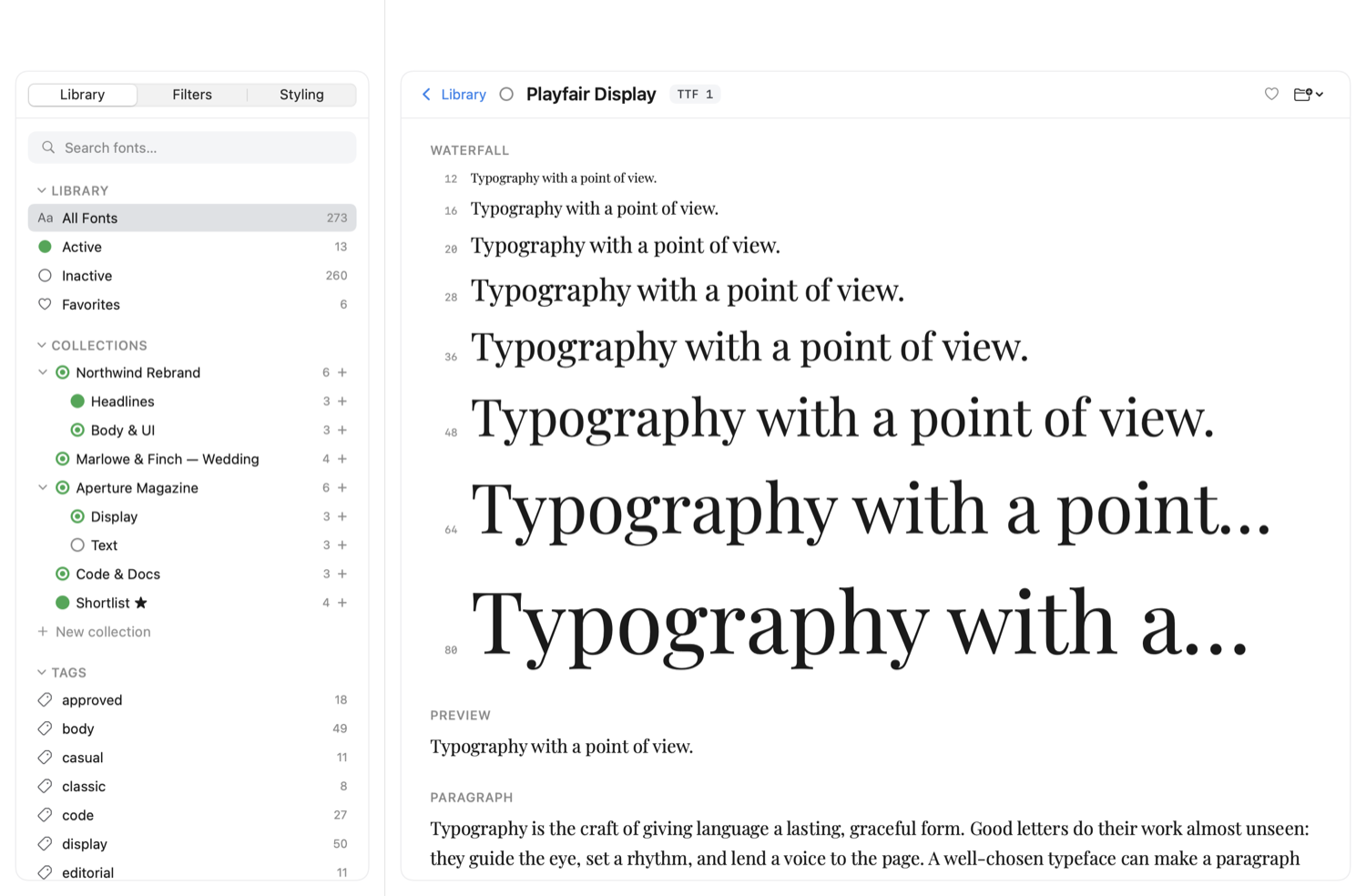
A full specimen for every font
Click any font for everything you need to judge it and use it well.
- Waterfall and styles. Every size at its true scale, and every style in the family rendered.
- Glyph grid. See the font's whole character set at a glance, from letters and numerals to punctuation and symbols.
- Click any glyph to copy it. Tap a character and it lands on your clipboard, ready to paste anywhere.
- Font info and OpenType. Family, PostScript name, version, designer, metrics, file details, and the font's OpenType feature tags.
And more
Everything else you'd want
- Live libraryAdd, remove, or rename fonts in a watched folder in Finder and the library updates itself, subfolders included.
- Auto-activate foldersMark a folder so everything in it, now and later, stays active automatically.
- Custom preview colorsPick any text and background color for previews and specimens.
- Library · Filters · Styling tabsBrowsing, filtering, and styling controls each in their own place in the sidebar.
- Light / Dark / SystemAn appearance toggle right in the toolbar.
- Any font folderPoint it at folders of .ttf, .otf, .ttc, or .dfont; it scans recursively and remembers them.
- Instant search and favoritesFilter by All / Active / Inactive / Favorites and find anything fast.
The fonts are the point
Your fonts take center stage
TypeSuite's built-in font viewer opens any font to its full specimen: a size waterfall, a paragraph in context, the complete glyph set, every metric, and the OpenType features it ships with.
Waterfall
Paragraph
Good type gets out of the way. It guides the eye, sets a rhythm, and lends a voice to the page without ever calling attention to itself.
Read a face in full sentences, across sizes and styles, and watch how it holds its poise from the opening capital to the final full stop.
Glyphs · 412
Font info
OpenType features
Get TypeSuite
It's completely free, no trial and no paywall.
Universal · macOS 14+ · we respect your inbox.
You're in. Thanks!
Your download is ready. We've also emailed you the link so you always have it.
Download TypeSuiteSystem requirements
- macOS 14 (Sonoma) or later
- Apple Silicon or Intel (Universal binary, runs natively on both)
- Just a few megabytes on disk
Installing
- Open the
.dmgand drag TypeSuite to Applications. - First launch: right-click → Open → Open (this build isn't notarized yet, so you only do this once).
Good to know
- Collection membership is tracked by font-family name.
- Glyph grid covers the Basic Multilingual Plane (extended emoji/CJK planes not shown yet).
- Your settings live in
~/Library/Application Support/TypeSuite/.